Gem Team: a practical, security-first messenger for teams that value control
Looking for a corporate chat tool that doesn’t read like an ad? Here’s a clear, balanced take on Gem Team—what it does, how it feels in daily use, and who it tends to suit.
What Gem Team aims to solve
Most work chat apps juggle speed and oversight. Gem Team leans into both. It combines real-time messaging, voice and video calls, and file sharing with a governance layer that helps companies keep data under control. The core idea is familiar UX for employees and predictable controls for admins, so communication stays quick without leaving compliance behind.

Day-to-day experience
In practice, Gem Team behaves like a modern messenger. Direct messages and group spaces cover quick discussions, while threaded conversations keep longer topics tidy. Hopping from a chat to a call is straightforward, screen sharing is built in, and large file hand-offs don’t require a second tool. The interface favors clarity over novelty, which helps new users get up to speed with minimal onboarding.


Security as an operating principle
Security in Gem Team isn’t a single checkbox—it shapes how the product is put together. Transport encryption, multi-factor login options, and an admin model with auditability and retention are presented as defaults rather than power-user extras. The intent is to minimize surprises: who can see what, how long information stays around, and how access changes when people join or leave.
Deployment choice and data residency
Not every organization can—or wants to—place all communications in a vendor cloud. Gem Team’s deployment options reflect that reality. Teams can run in the cloud for simplicity or choose on-premises hosting when regulations, client contracts, or internal policy require keeping message history and files inside their own environment. This flexibility is often the deciding factor in regulated sectors.
Meetings that stay in context
Because calls live in the same workspace, switching from a text discussion to a video conversation doesn’t disrupt flow. Screen sharing, recording, and basic moderation tools help larger meetings remain manageable. Guests can join with link invitations, which removes the friction of creating full accounts for short-term collaborators and clients.
Where it fits in a wider stack
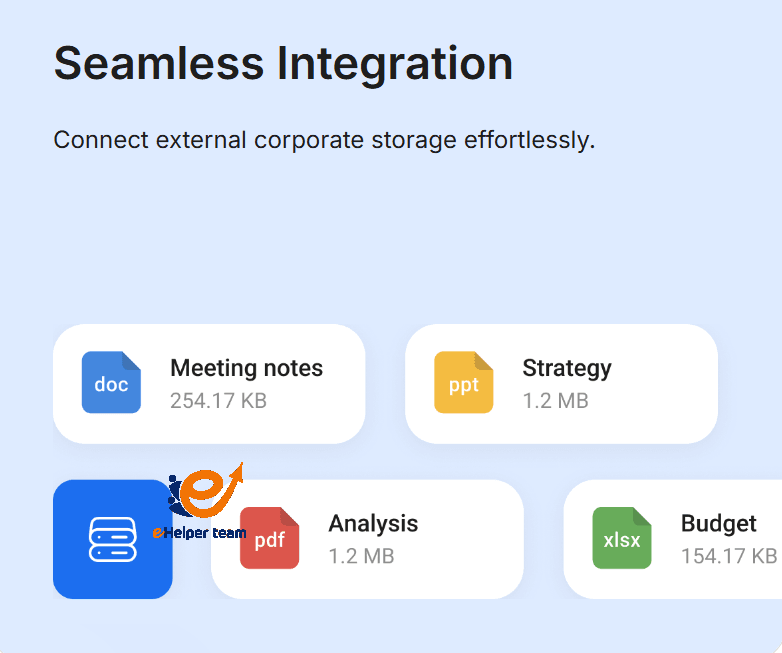
Gem Team covers the essentials rather than chasing an enormous plugin marketplace. It plays well with existing identity and storage choices so teams can keep their documents where they already live. For many companies, this strikes a useful balance: less tool switching without another monolithic platform trying to absorb everything.
Who tends to benefit
The product aligns with organizations that treat security, auditability, and deployment control as non-negotiable. Professional services, finance, healthcare, and any team handling sensitive client material will likely feel at home. If your workflows rely on dozens of niche third-party add-ons, you’ll want to verify those specifics during evaluation; if you prize calm execution over feature sprawl, Gem Team’s focus will make sense.
What to check in a trial
Before committing, it’s worth validating the details that matter to your environment. Clarify how encryption is applied, who manages keys, and how revocation works. Walk through the admin console to see provisioning, deprovisioning, audit logs, and retention policies in action. Test call quality with the number of participants you expect day to day, and check mobile performance for people who work on the go.
Bottom line
Gem Team reads like a messenger designed by people who think about operations as much as chat. It won’t try to replace your entire software estate, and that’s deliberate. If your priorities are clear communication, dependable security, and optional self-hosting, it’s a strong candidate for a hands-on pilot.